Inquiry / Distributors

Functional Testing of Display Devices
[RICOH SC-20 internal case study]

Internal case study of a function test being conducted towards embedded display devices.
SC-20 has been introduced to recognize the information displayed on the panel and compare it with the master image to determine if the display is working properly.

This is an example which demonstrates that the contents displayed on the panel can be inspected in addition to the inspection of the assembly operations.

Inspection Method

Conventionally, inspection programs were run on a single inspection machine, and functional tests were conducted by worker’s manual inspection.
The inspectors were required to manually inspect the characters displayed on the device's screen to assure that the functions were running correctly.

The inspectors were required to manually inspect the characters displayed on the device's screen to assure that the functions were running correctly.

  • The display image of a correctly functioning product was registered as a master image on the SC-20 in advance, and work IDs were created for each of the multiple programs.
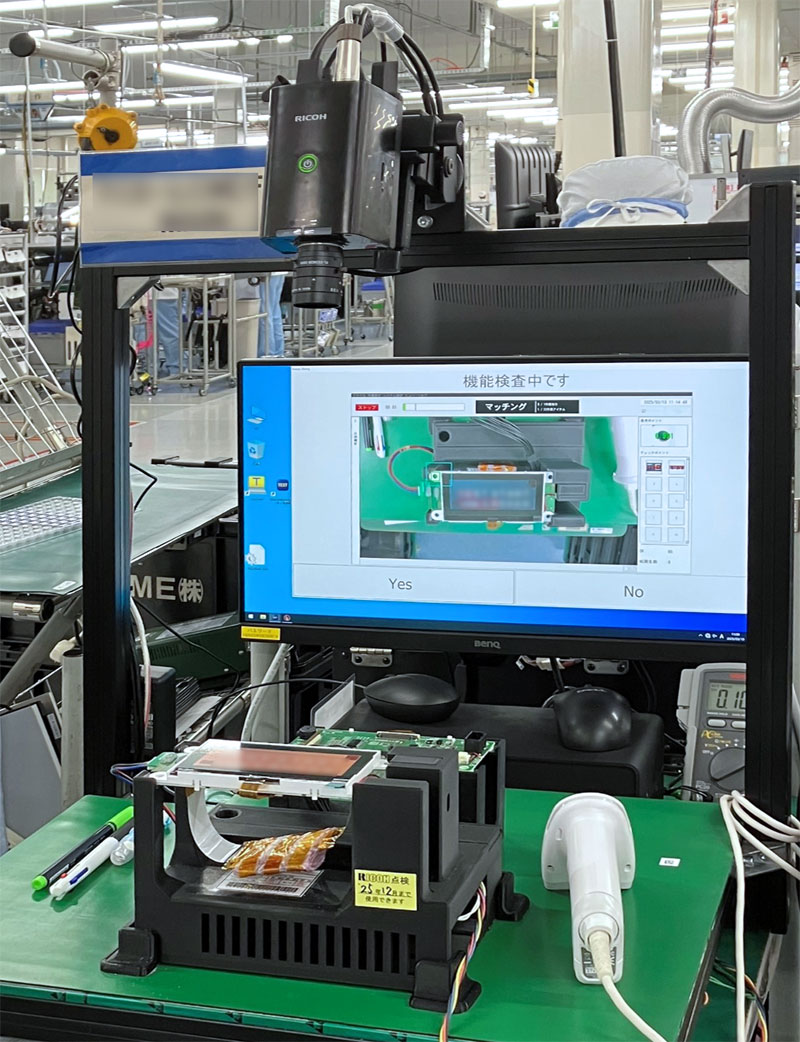
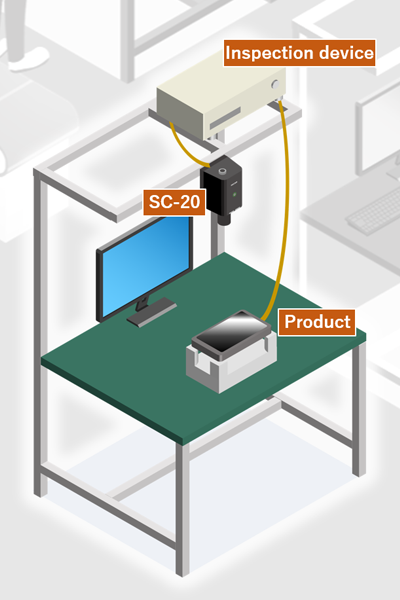
  • Whenever a product is set in the fixed jig and SC-20’s inspection is started, the inspection device activates the inspection program, displaying the default character string on the product screen.
  • The displayed condition is inspected in the [shape] matching mode of SC-20, and if it is judged as an OK product, the device activates the next inspection program.
  • The process above is repeated, and the whole inspection process for this product is completed automatically.

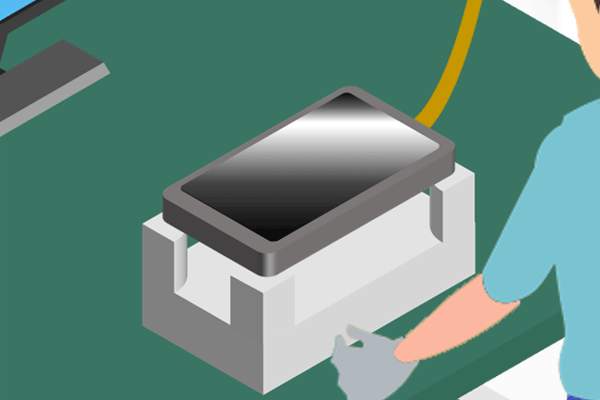
Display devices to be inspected (image)
Inspection system built for display devices
Configuration of the inspection system (image)

Effects after the Installation

Issues before the installation

  • Both operation of the inspection programs and the inspection of the panel display were conducted manually.
  • Workers were required to activate each inspection process manually, after each inspection.

The inspection process required many man-hours yet left multiple issues such as inspection omissions caused by human errors, Heavy workload, and lack of work efficiency

Improvements made after the installation

  • The inspection could be complete with one simple step of activating the start trigger.
  • The function test conducted by the prior inspection program and the image inspection conducted by SC-20 had been linked together, allowing the the whole inspection flow to be automated.

Inspection omissions due to personalized tasks were resolved, improving both heavy workload and work efficiency!